What is an optical transceiver? Types, form factors and how they work
An optical transceiver is a small device that can both transmit and receive data over optical fiber. It converts electrical signals from a switch, router or storage system into pulses of light for transmission over the fiber, then converts incoming light back into electrical signals at the other end. In other words, it turns data into light – and back again.
Optical transceivers come in different shapes and sizes, called form factors, and support different protocols, data rates and types of fiber. Some are designed for short links inside a data center, while others carry traffic across metro, regional or long-haul networks. Choosing the right one depends on what equipment you are connecting, how much data you need to carry, the fiber available and how far the signal needs to travel.
How optical transceivers turn electrical data into light
Inside the transceiver, the transmitter uses the incoming electrical signal to control a light source, encoding the data into pulses of light at a specific wavelength. At the other end of the fiber, the receiver detects those pulses and reconstructs the electrical signal for the connected equipment. The wavelength also matters. A simple point-to-point link can use a single optical channel, while DWDM assigns traffic to defined wavelengths so that many optical channels can travel over the same fiber. This makes wavelength choice part of how networks increase capacity without adding more fiber.
How far the signal can travel depends in part on the transceiver's output power and the sensitivity of the receiver. Together with losses from the fiber, connectors and other components along the optical path, these determine the optical power budget available for the link.
Optical transceiver protocols and data rates
Optical transceivers support different protocols and data rates depending on the network they connect to. Ethernet is the dominant protocol for IP and data networking, with optical transceivers supporting generations from lower-speed access links through 100G, 400G and 800G. Fibre Channel is widely used in storage area networks, with current generations including 32G and 64G FC.
The same physical form factor can support different protocols and data rates, so the form factor alone does not determine which transceiver fits the network.
Optical transceiver form factors
A form factor specifies the physical dimensions of the transceiver – its shape and size. Manufacturers design according to the Multisource Agreement (MSA). This standard ensures that same-form-factor transceivers from different vendors are compatible in size and function, supporting interoperability.
| Form factor | Bit rates/protocols | Key differentiator |
|
SFP |
100 Mbps – 1G Ethernet, 1G–2G FC, SDH/SONET | Widely supported for legacy networks |
| SFP+ | 10G Ethernet, 4G–16G FC | Cost-effective for SANs and standard for mobile backhaul/fronthaul |
| XFP | 10G Ethernet, 10G FC, SONET/SDH OC-192, OTN OTU-2f | Telecom-optimized with independent clocking |
| SFP28 | 25G Ethernet, 32G FC | Standard for modern FC SAN with Brocade/Cisco and more |
| QSFP+ | 40G Ethernet | Cost-efficient 10G scaling with breakout |
| QSFP28 | 100G Ethernet | Standard for 100G with long-reach coherent options |
| QSFP-DD | 400G/800G Ethernet | Compact and backwards compatible for 400ZR/800ZR |
| OSFP | 400G/800G Ethernet | Superior thermal management for 400ZR/800ZR |
How optical transceivers fit into optical networks
Optical transceivers can create a direct optical link between network equipment or place traffic onto DWDM wavelength channels that share the same fiber. The choice affects how much fiber capacity you can use and whether you need a separate transponder or muxponder layer.
Gray transceivers
For a direct point-to-point optical link, a gray transceiver provides a single optical channel that is not tied to a DWDM wavelength plan. Gray transceivers can connect compatible Ethernet or Fibre Channel switches across dark fiber. They can also be a cost-efficient choice with a transponder or muxponder, keeping lower-cost gray optics on the client side while the transport equipment converts the signal to DWDM or aggregates several lower-rate connections onto a higher-capacity wavelength.

DWDM transceivers
When fiber capacity becomes the constraint, DWDM lets you carry multiple services over the same fiber by assigning them to defined wavelength channels. A multiplexer combines those channels onto the fiber and a demultiplexer separates them again at the far end, allowing Ethernet, Fibre Channel and other services to share the same infrastructure.
DWDM transceivers can also be used to run IP over DWDM by putting the wavelength directly into switches and routers, removing the need for a separate transponder. IP over DWDM reduces equipment, power consumption and complexity, but transponders and muxponders can still add value for aggregation and breakout, encryption or serving as a demarcation point.
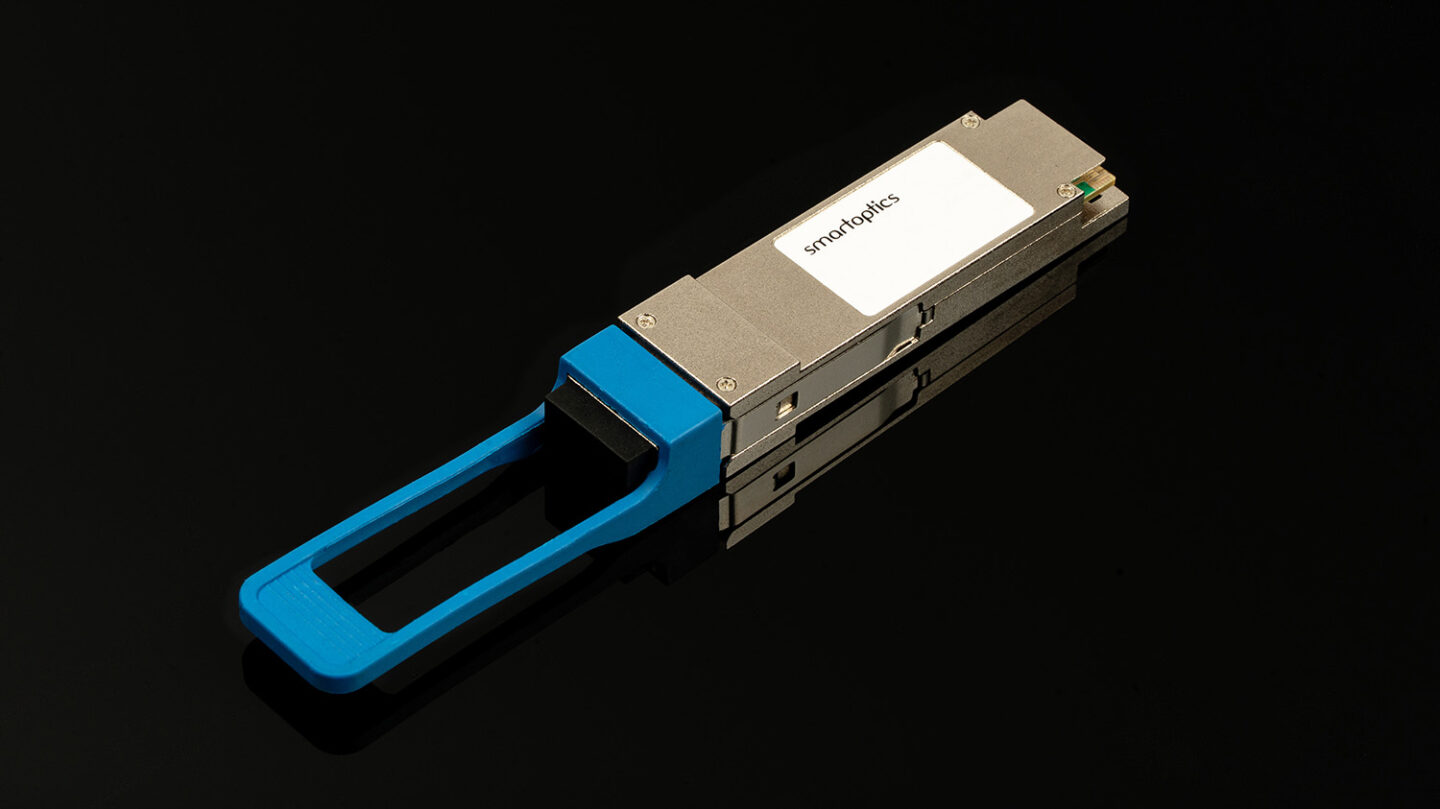
Coherent transceivers
Coherent technology is pushing more capacity and much greater reach into pluggable transceivers. You can carry more traffic over existing fiber and extend high-capacity connections much farther without automatically adding more transport equipment as the network grows.
The latest generations are extending those advantages quickly. 400ZR established coherent pluggables at 400G, and 800ZR doubles that line capacity to 800G as well as breakout capacity from 4 × 100G to 8 × 100G. ZR+ reaches hundreds of kilometers, and ZR++ pushes coherent pluggables into long-haul networks spanning thousands of kilometers.
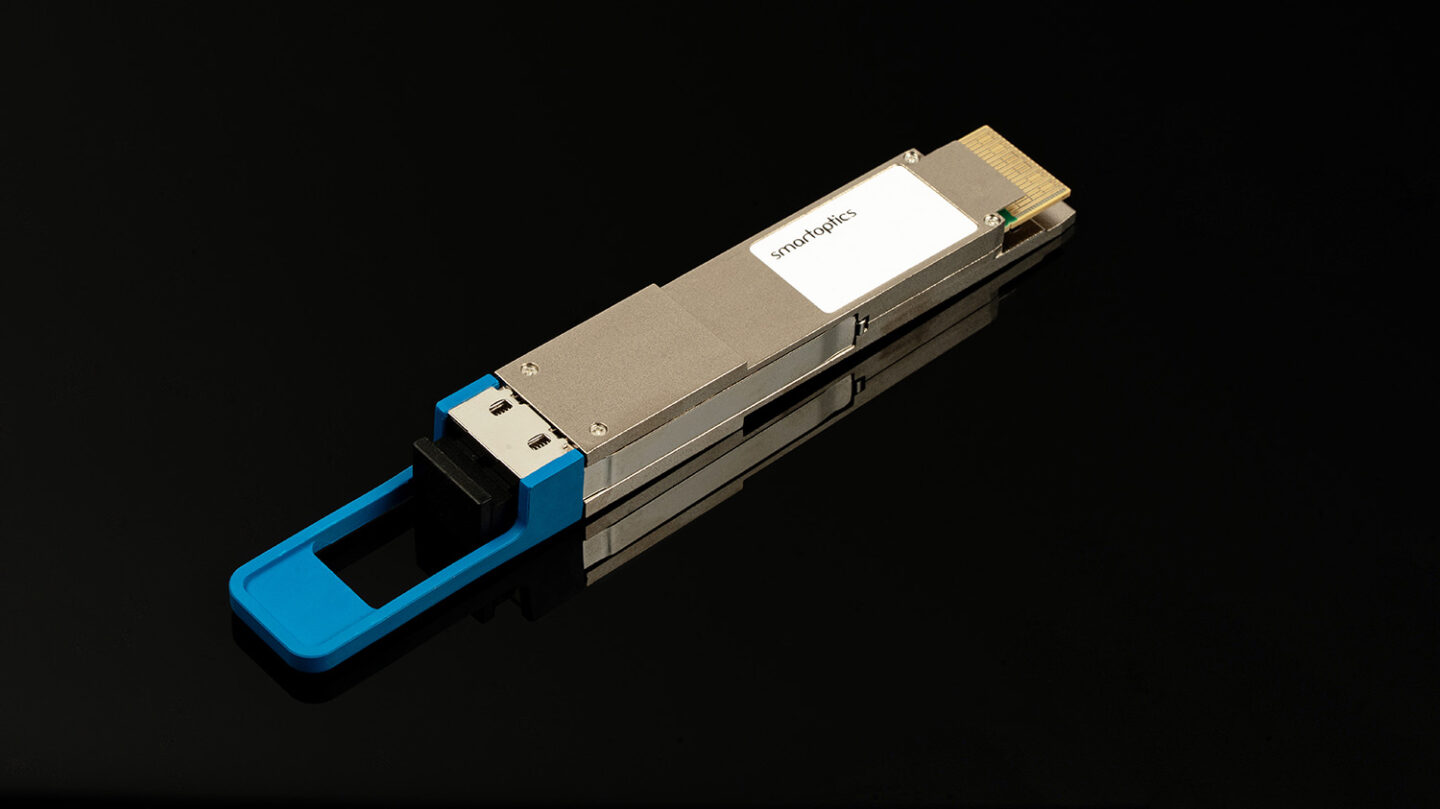
Optical transceiver reach: SR, LR, ER, ZR, ZR+ and ZR++
The distance you need to cover determines whether you need multimode optics for short intra-data-center links, single-mode optics for tens of kilometers or coherent DWDM optics to extend pluggable reach to hundreds or even thousands of kilometers.
| Reach type | Fiber / technology | Approximate reach |
| SR - Short Reach | Multimode fiber | 100-300m |
| LR - Long Reach | Single-mode fiber | Around 10 km |
| ER - Extended Reach | Single-mode fiber | Around 40 km |
| ZR coherent DWDM | Coherent DWDM | 80-120 km |
| ZR++ coherent DWDM | Extended-reach coherent DWDM | Up to around 800 km |
| ZR++ coherent DWDM | Long-haul coherent DWDM | Thousands of kilometers |
See how West River Telecommunications used interoperable 100G optics to cover 90–120 km spans in a Calix-based network.
How to choose the right optical transceiver
Choosing the wrong optics can create bottlenecks, unnecessary costs and poor use of available fiber. Choosing the right optics starts with understanding your equipment, reach, fiber capacity and interoperability requirements.
- What do your switches or routers support? Start with the form factor, protocol and bit rate available on the equipment at each end of the link.
- What fiber and reach are you working with? Fiber type and distance narrow the choice quickly: multimode for short links and single-mode for longer links. The optical power budget sets the total loss available across the link.
- How much capacity do you need from your fiber? Compare the cost of adding fiber with using DWDM to carry more traffic over the fiber already in place, and plan for the capacity you expect to need over the next three to five years.
- Could aggregation or breakout get more from the equipment you already have? Aggregation and breakout let you combine lower-rate services onto a higher-capacity transport link or split a higher-rate port across multiple lower-rate connections. That can help your network scale to 400G or 800G while continuing to use 100G equipment where replacing it would add cost without adding value.
- Has the optic been qualified for your network? Qualification tests the transceiver with the switches, routers and optical path it will operate with, adding real-system validation to the interface specification.
“A datasheet can tell you whether a transceiver should work, but the real test is how it performs as part of the network. In our Stockholm and Oslo labs, we test optics across temperature, power and real optical paths, drawing on the same optical expertise we use across complete DWDM systems. That system-level understanding helps us find issues you won’t see by comparing transceiver specifications alone.”
Find the right transceivers for your network
Smartoptics offers Ethernet and Fibre Channel transceivers from 1G to 800G, backed by rigorous testing, fast delivery and more than 20 years of optical networking expertise. With around 300,000 transceivers delivered each year across more than 30,000 variations, our complete transceiver portfolio gives you the flexibility to source the right optics for different platforms, speeds and network requirements.
Related articles

What is a SAN ( Storage Area Network) and how does it protect mission-critical workloads?

What is Fibre Channel used for?